
 Text Tools
 Image Tools
 PDF Tools
 Social Media Tools
 Security Tools
 Coding Tools
 CSS Tools
 Color Tools
 Miscellaneous Tools
 Add to Chrome
 Add to Firefox
One place to every fake chat maker on the site: choose WhatsApp, Instagram DM, iMessage, Discord or another app and build the conversation.
Pick an app to start your chat
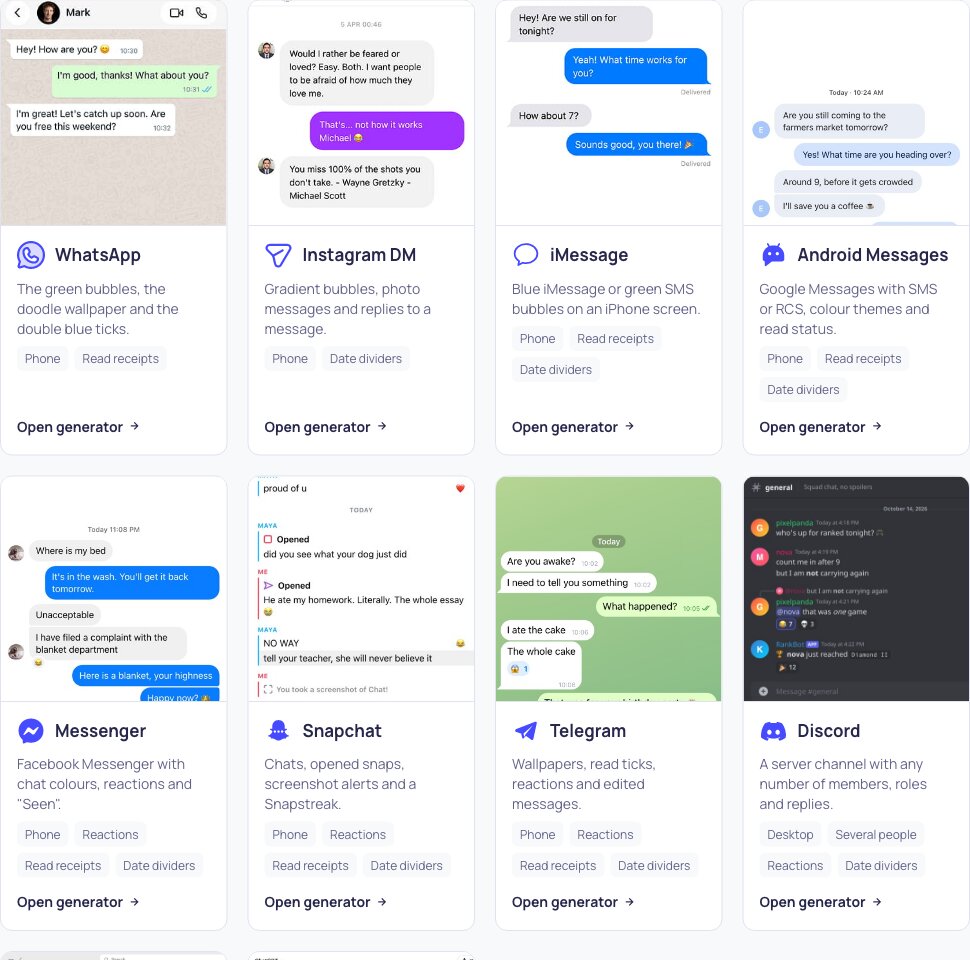
Each generator draws a different app pixel by pixel. Choose the one your conversation should look like; you can always come back and try another.
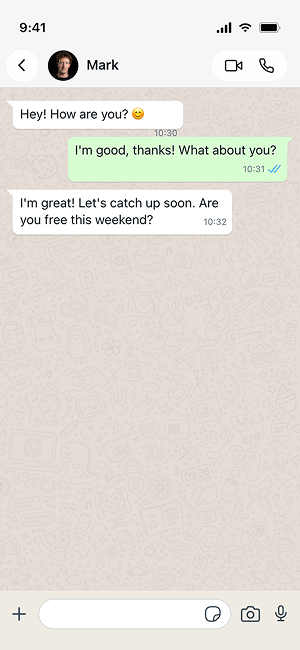
 WhatsAppGreen bubbles, blue ticks, photos, voice notes and reactions.Open generator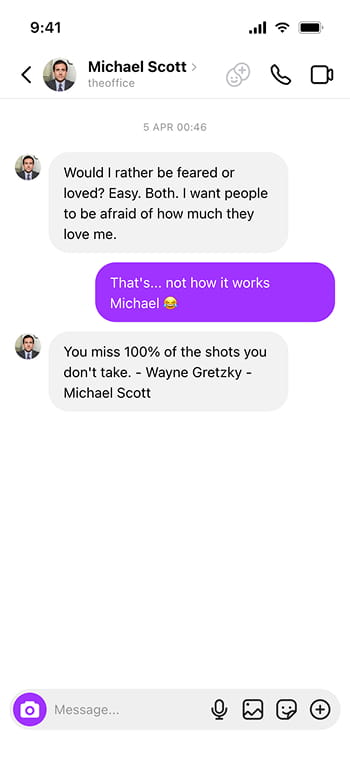
 Instagram DMGradient bubbles, photo messages and replies to a message.Open generator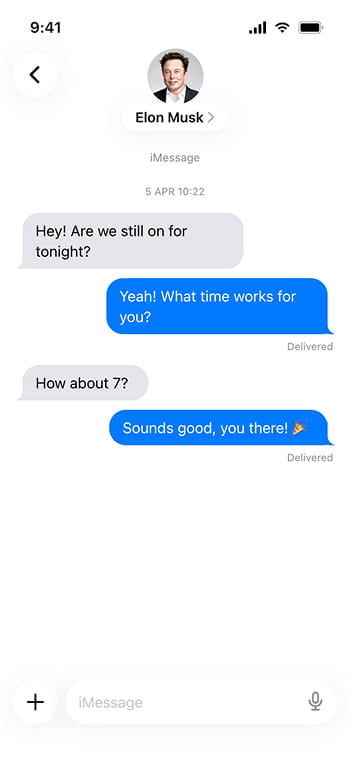
 iMessageBlue iMessage or green SMS bubbles on an iPhone screen.Open generator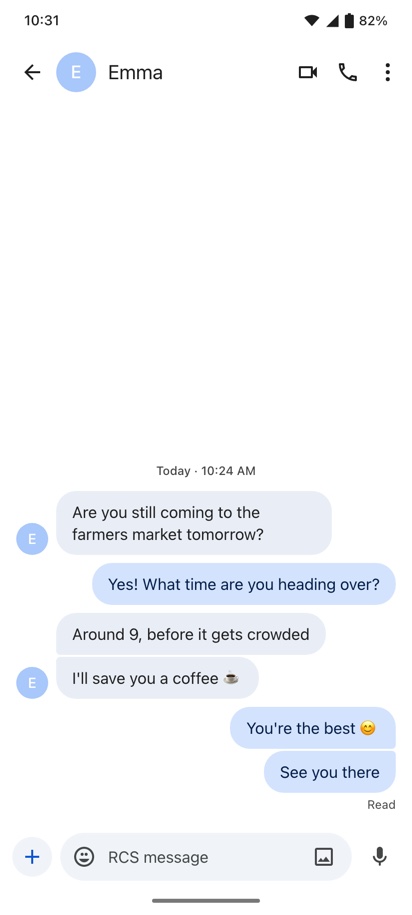
 Android MessagesGoogle Messages with SMS or RCS, colour themes and read status.Open generator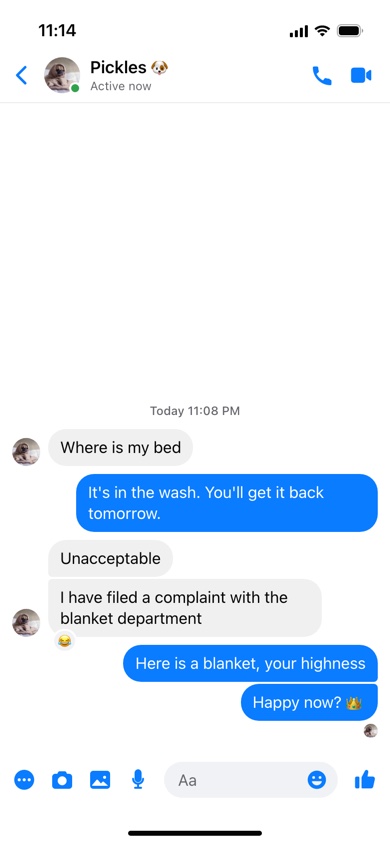
 MessengerFacebook Messenger with chat colours, reactions and "Seen".Open generator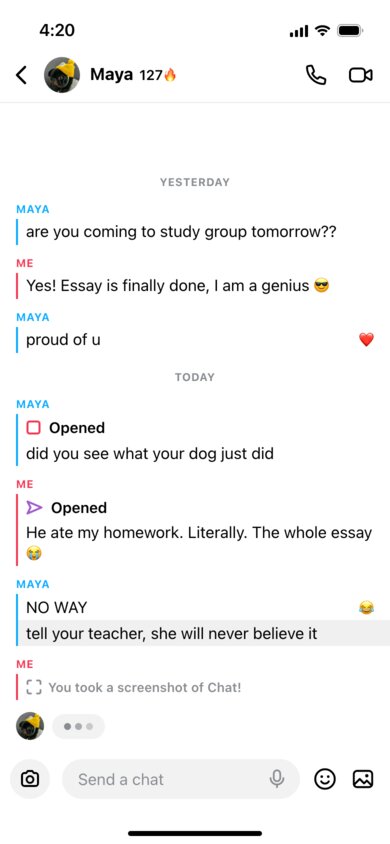
 SnapchatChats, opened snaps, screenshot alerts and a Snapstreak.Open generator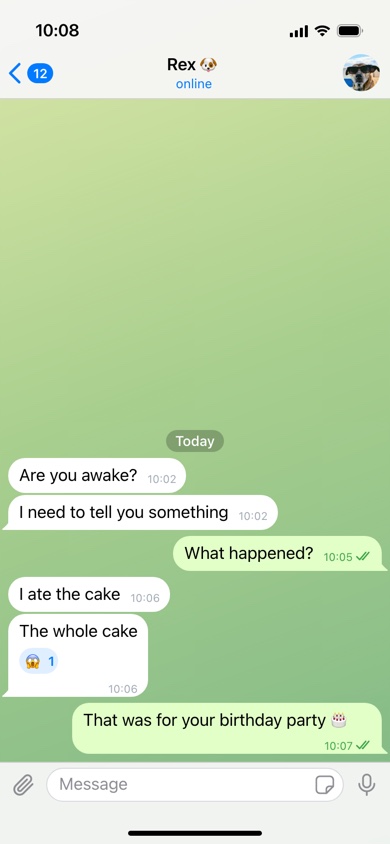
 TelegramWallpapers, read ticks, reactions and edited messages.Open generator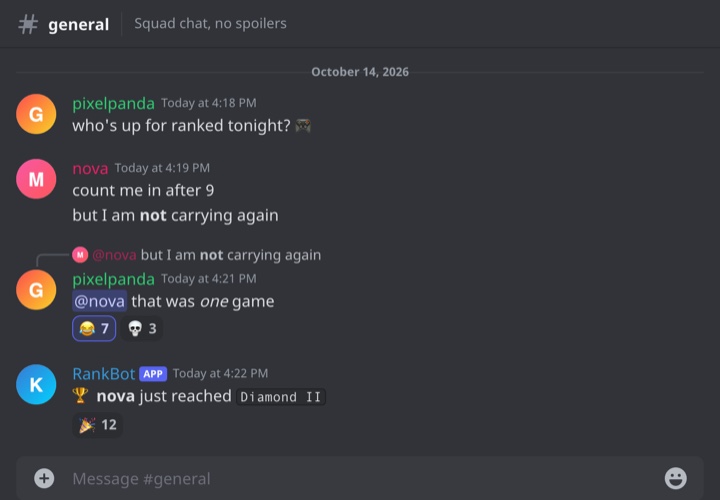
 DiscordA server channel with any number of members, roles and replies.Open generator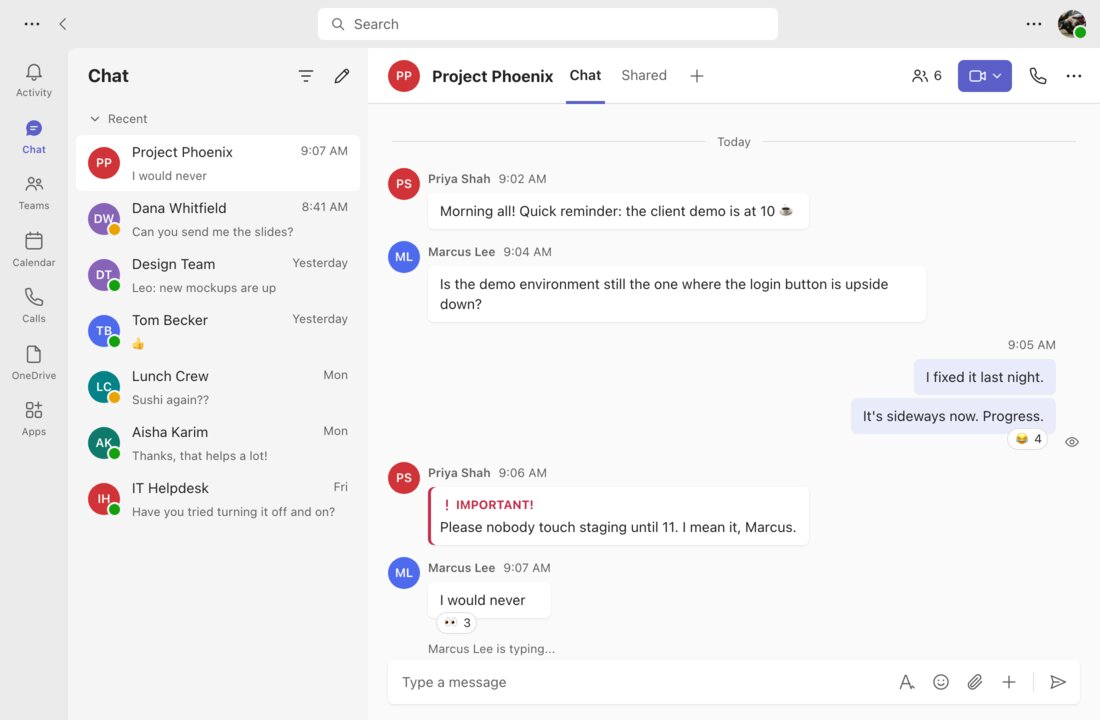
 Microsoft TeamsGroup or one-on-one work chats with Important flags.Open generator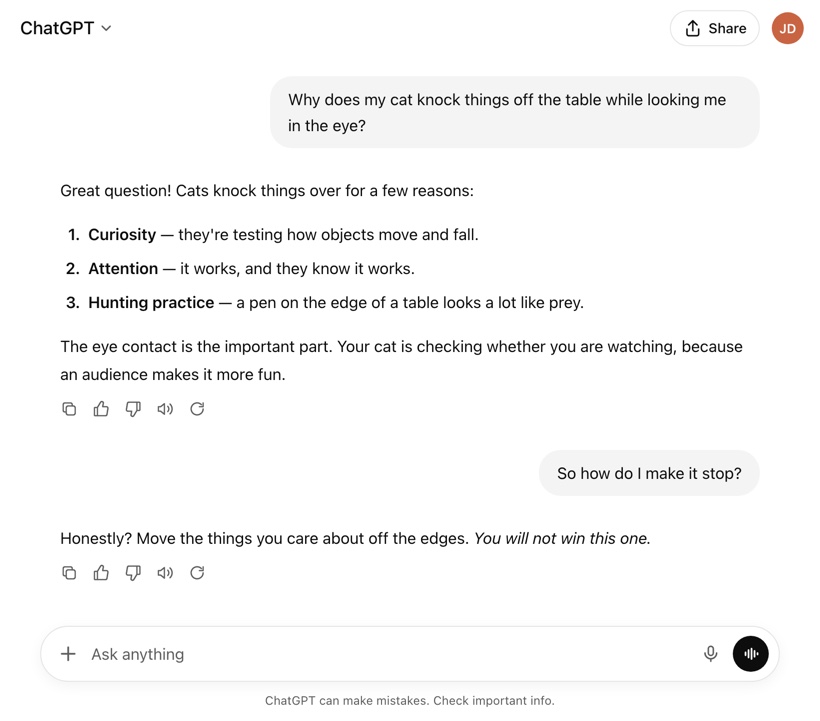
 ChatGPTYour questions and its answers, with lists, bold and code.Open generator
 Compare the chat generators
Every generator has light and dark mode, your own names and photos, and exports a screenshot-sized image. They differ in the details below.
| App | Looks like | Several people | Reactions | Read receipts | Date dividers |
|---|---|---|---|---|---|
| Phone | ✓ | ✓ | ✓ | ✓ | |
| Instagram DM | Phone | ✓ | — | — | ✓ |
| iMessage | Phone | ✓ | — | ✓ | ✓ |
| Android Messages | Phone | — | — | ✓ | ✓ |
| Messenger | Phone | — | ✓ | ✓ | ✓ |
| Snapchat | Phone | — | ✓ | ✓ | ✓ |
| Telegram | Phone | — | ✓ | ✓ | ✓ |
| Discord | Desktop | ✓ | ✓ | — | ✓ |
| Microsoft Teams | Desktop | ✓ | ✓ | ✓ | ✓ |
| ChatGPT | Desktop | — | — | — | — |
What is a Fake Chat Generator?
A fake chat generator lets you write both sides of a conversation and turns it into an image that looks like a screenshot from a real messaging app. This page collects every chat maker on 10015.io in one place — WhatsApp, Instagram DM, iMessage, Android Messages, Messenger, Snapchat, Telegram, Discord, Microsoft Teams and ChatGPT — so you can choose the app first and then fill in the names, photos and messages.
People search for a fake message maker for all kinds of reasons: a meme or a prank on a friend, a scene for a short film or a TikTok story, an example conversation for a presentation or a lesson about online safety, or a mockup of a chat feature in an app design. The generators are free, need no account and run in your browser; nothing you type is sent to the messaging apps.
Which app should my fake chat look like?
The app is the first thing anyone notices in a chat screenshot, so pick the one your audience expects:
- Texts between friends — WhatsApp is the default almost everywhere outside the US; in the US use iMessage for iPhone users or Android Messages for everyone else.
- Flirting, crushes and celebrity jokes — Instagram DM or Snapchat, where those conversations actually happen.
- Family chats and older relatives — Messenger, with its colourful chat themes and "Seen" under the last message.
- Gaming groups, communities and fandoms — Discord, which handles a whole channel of people with roles and coloured names.
- Office jokes and workplace scenes — Microsoft Teams, in a group or one-on-one, with the red Important flag.
- "I asked the AI…" posts — ChatGPT, with formatted answers, lists and code.
- Privacy-minded or international chats — Telegram, with its wallpapers and reactions.
How to make a fake chat
- Choose an app from the cards above — use the filters to narrow them down to messaging apps, social media DMs, communities and work tools, or AI chat.
- Set the contact: their name, profile photo and, where the app has one, a status such as "online" or "last seen".
- Write the conversation one message at a time, choosing who sends each one. Add times, date dividers, reactions or read receipts where the app supports them.
- Pick light or dark mode to match the phone or computer you are imitating.
- Export the screenshot as an image or copy it to the clipboard.
Tips for a chat that looks real
- Keep messages short and split long thoughts over several bubbles — that is how people actually text.
- Make the times add up: replies a minute or two apart, and a status bar clock later than the last message.
- Use the read receipts and "typing" indicators sparingly; one at the end is more believable than one on every message.
- Match the theme to the story: a late-night conversation looks right in dark mode.
Frequently asked questions
Which apps can I make a fake chat for?
Ten at the moment: WhatsApp, Instagram DM, iMessage, Android Messages (Google Messages), Facebook Messenger, Snapchat, Telegram, Discord, Microsoft Teams and ChatGPT. Each one has its own generator that copies that app's layout, colours and details.
Can I make a group chat?
Yes. The WhatsApp, iMessage and Instagram DM generators have a Group mode with a group name and members, and the Discord and Microsoft Teams generators let every message come from a different person. The others show a conversation between you and one contact.
Is the fake chat generator free?
Yes. All of the chat generators are free to use, put no watermark on the image and do not ask you to sign up.
Does the other person get a message?
No. The generators only draw a picture in your browser. They are not connected to WhatsApp, Instagram, Apple, Google, Meta, Snap, Telegram, Discord, Microsoft or OpenAI, and nothing is sent or posted anywhere.
What if my app is not on the list?
Pick the closest look — Android Messages for most SMS apps, Messenger for Facebook-style chats — or tell us through the tool request form; new chat apps are added regularly.
Usage Policy
Fake chats are fun until they are used against someone. By using the Fake Chat Generator and the generators it links to, you agree not to fabricate conversations with real people to embarrass, blackmail, bully or defame them, not to present a made-up chat as evidence in a dispute, at work or in court, and not to use one for scams or impersonation. Jokes, fiction, design work and education are welcome. 10015.io is not responsible for the images created with these tools.